Custom MCP — Sage 100
Sage 100 MCP: connect your ERP to an AI assistant
Hunter BI develops Sage 100 MCP integrations in Morocco. Assess your installed interfaces, define business tools and validate permissions before rollout.
In brief
A Sage 100 MCP project connects a compatible assistant to selected ERP operations through an interface authorised for your installation. Hunter BI first checks the version, modules, available integration components and licensing. The server then exposes bounded tools with permissions and acceptance tests. Do not assume that every Sage product shares the same interface, or that MCP itself grants database or write access.
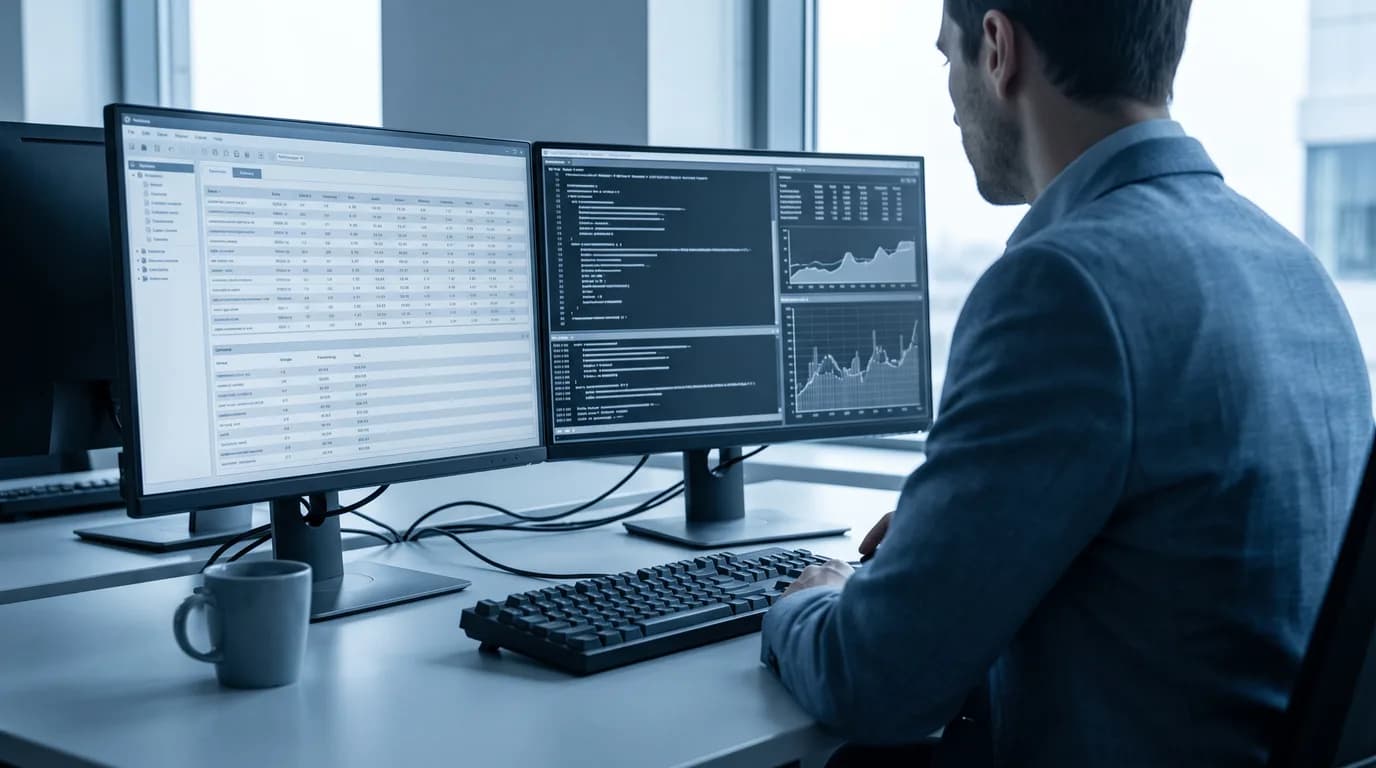
A Sage 100 integration should begin with the task your team wants to perform, not an assumption about the software's age or the presence of an API. Customer records, stock enquiries and document preparation have different requirements. The installed edition, version, hosting and integration rights determine which approach is feasible.
This page describes how Hunter BI scopes a custom MCP connector. It presents potential workflows and delivery controls, not a claim that every named operation is available in every Sage 100 installation. Sage X3 and Sage Paie are separate products and must be assessed on their own terms.
Updated 17 September 2026
01
Inspect the installed system and its integration rights
Record the exact product name, version, modules, database environment and hosting arrangement. Ask which vendor-supported integration components are installed and what the licence permits. Where Business Objects or local automation are available, verify the documentation and execution requirements for that version before choosing them.
Do not conclude that a generic cloud API, a third-party connector or a code sample covers the installed ERP. Equally, do not make a universal claim that no interface exists. The audit should produce evidence: the authorised entry point, supported operations, account permissions, dependencies and any unresolved vendor or licensing question that blocks the intended task.
02
Expose business operations rather than unrestricted execution
The MCP tool catalogue should describe bounded actions in business terms. Examples to assess include reading an identified customer record, checking stock for a specific item and preparing a quotation. These are proposed scopes, subject to the actual interface; they are not an off-the-shelf promise for every Sage 100 environment.
Each tool needs validated parameters, an expected result and explicit error behaviour. Avoid exposing raw database access or arbitrary automation commands to the assistant. The application should remain the source of truth, and integration work must preserve its business controls rather than write around them simply because a database connection is technically possible.
03
Start with a narrow and verifiable workflow
Choose one task that the team already knows how to complete correctly. Prepare authorised test data and a reference outcome. For a stock enquiry, define the item, site, date and meaning of the quantity requested. For a customer record, decide how ambiguous identifiers are resolved before any information is returned.
Include missing records, similar names, denied access and unavailable dependencies in the pilot. An empty response should not be confused with a technical failure. The assistant needs to state a limitation or ask a question when it cannot determine the correct context. A fluent summary is useful only if its references can be checked.
04
Separate read-only access from writes
The first scope can remain read-only if the task is consultation or analysis. That restriction must be enforced by the server and execution account, not merely described in a prompt. Agree the company folders, record types and fields that each user may reach, and test a request outside those boundaries.
If a write is needed, present the exact document and proposed content for approval. Check that the state has not changed before execution, then verify the recorded outcome. A timeout should lead to an investigation of the action's status before any retry. This helps avoid duplicate records and false claims that an operation completed.
05
Choose an execution environment and map data flows
An integration using local components may require a suitable host near the ERP, with the appropriate runtime, accounts and network access. Confirm these requirements during the audit. A remotely used assistant needs a connection and authentication design compatible with the selected client; a local process is not automatically reachable by a cloud application.
Document the information passed from Sage 100 to the connector, from the connector to the assistant and from the assistant to its model provider. Local hosting of the connector does not establish that all processing remains local. Limit returned fields and log contents to what the approved task and operational review require.
06
Agree acceptance, handover and maintenance
Measure the workflow from the user's request to an accepted outcome, including checks and corrections. Compare like-for-like tasks and distinguish released time from a realised cost saving. The schedule and budget should follow the interface assessment and agreed scope, not a universal promise of a two-week connector.
The handover should include the tool catalogue, permissions matrix, tested versions, acceptance evidence, known limitations and suspension procedure. Assign an owner for incidents and a process for changes to Sage 100, its integration components or the assistant. Retest the affected workflow before announcing continued compatibility. Ongoing support, licensing dependencies and responsibilities must be specified in the agreement.
Frequently asked questions
Does Sage 100 always have the same integration interface?
No assumption should replace inspection. Verify the edition, version, modules, vendor-supported components and licence rights on your installation. A Sage cloud product or another Sage ERP is not evidence of Sage 100 compatibility.
Will software need to run next to Sage 100?
That depends on the interface selected. Local automation components can impose host, runtime and network requirements. We verify them before choosing the MCP transport and the assistant connection method.
Can the assistant create quotations or change records?
Only if the authorised interface supports the operation and the project explicitly includes it. Define the target, content, approver and verification step. The default scope should not be unrestricted write access.
How long does a first connector take?
The schedule is agreed after inspecting the environment, permissions and test requirements. A single bounded workflow is a practical first milestone, but no uniform delivery time applies to every installation.
Is this the same integration as Sage X3 or Sage Paie?
No. These products require separate qualification. Some operational practices may be reusable, but the software interfaces, objects, rights and tests are specific to the environment being connected.
Connect Sage 100 to your AI assistant
Tell us the software version and a task you want to perform. We will define the interfaces, permissions and acceptance tests for your project.